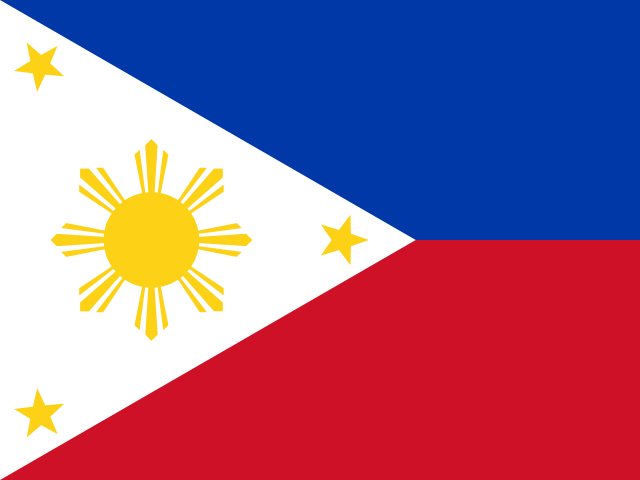
 Cloud Android phone in Philippines
Android cloud phone in Philippines.
Rent an Android phone that lives in Philippines: it goes online from a residential Philippine IP, carries a SIM from Globe or SMART, keeps Manila time and the local language. Apps and websites see a real phone in Philippines, not a server somewhere else.
Philippinesresidential Philippine IP: what apps and websites seeWhat a phone in Philippines gets.
Everything that tells an app where a phone is: the network it uses, the SIM inside it, the clock and the language. All four point at Philippines.
Residential Philippine IP
The phone goes online from Philippines through a residential exit. A kill-switch below Android keeps every app on that exit; nothing leaks past it.
SIM of a local operator
Globe or SMART: operator name, IMSI, ICCID and a number in the national format. Change the country and the phone gets a new SIM to match.
Manila time zone
Asia/Manila, the local language and keyboard. Time, locale and GNSS fix are set from the exit, so nothing in the phone contradicts the IP.
Apps as from Play
The catalog installs apps the way Google Play does, including the ones popular in Philippines. Your own APKs through ADB or the API.
How it works.
Three choices at launch, nothing to configure inside the phone.
- Pick a model150+ real phone models: Samsung, Google, Xiaomi, Motorola and more, Android 12 to 17.
- Choose Philippines as the exitResidential IP in Philippines; mobile and datacenter exits where available. The SIM, time zone and language follow automatically.
- Open the screenLive screen in the browser, ADB over a secured relay, REST API for scripts. Stop the phone and pay nothing while it sleeps.
PhilippinesQuestions about cloud phones in Philippines
Something else? Write to support and a person answers, usually within a working day.
Is the IP really in Philippines?
Yes. The phone goes online through a residential exit located in Philippines; websites and apps see a Philippine home connection, not a datacenter. You can also bring your own proxy.
Which operator will the SIM show?
One of Globe or SMART, chosen to match the exit. The SIM has a local number, IMSI and ICCID; the operator name appears in the status bar like on a real phone.
Can I move the phone to another country later?
Yes, from the device page. The phone gets a new exit, a new SIM of that country and the matching time zone and language. Apps keep their data.
Where does the phone physically run?
On our ARM servers in the region closest to you, so the screen and ADB answer quickly. Where it runs and where it goes online are two separate settings.
Launch a phone in Philippines today.
- The first 30 minutes are free, no card.
- Residential Philippine IP and a local SIM from the first boot.